This is an open-source project for a working Simula compiler. It is written by Øystein Myhre Andersen based on a previous project. It is implemented in Java, and it compiles Simula programs into Java VM code.
Prerequisites
To use this compiler, you need Java version 25 or later. To check this, run the two commands
javac -version
java -version
If they both report version 25 or higher, and the versions are the same, everything is OK. If not, you have to install or update JDK from either https://dev.java/download/ or http://jdk.java.net/.
Note that the installation script requires a GUI interface. In other words, you cannot install this Simula compiler using a text-based connection.
Installation
The project resides on GitHub at https://portablesimula.github.io/github.io/. Do the following:
- Download https://portablesimula.github.io/github.io/setup/SimulaSetup.jar. (You can put it anywhere – it can be removed after installation.)
Open a command line window and run the JAR file:
java -jar SimulaSetup.jar
- This setup program will ask you where to install the compiler and other files. It will suggest a folder named Simula in your home directory, and for most users this is a good choice.
- You can now remove the setup program SimulaSetup.jar.
Running the compiler
There are two ways to run the Simula editor and compiler:
Execute Simula/Simula-2.0/simula.jar by using the command
java -jar ~/Simula/Simula-2.0/simula.jar
- Run the shell script Simula/Simula-2.0/RunSimulaEditor.sh (if your are using Linux or Mac) or Simula/Simula-2.0/RunSimulaEditor.bat (if you use Windows). Note that this script may be moved to any location for easy access, for instance to a folder included in the PATH.
When started, an editor window appears:
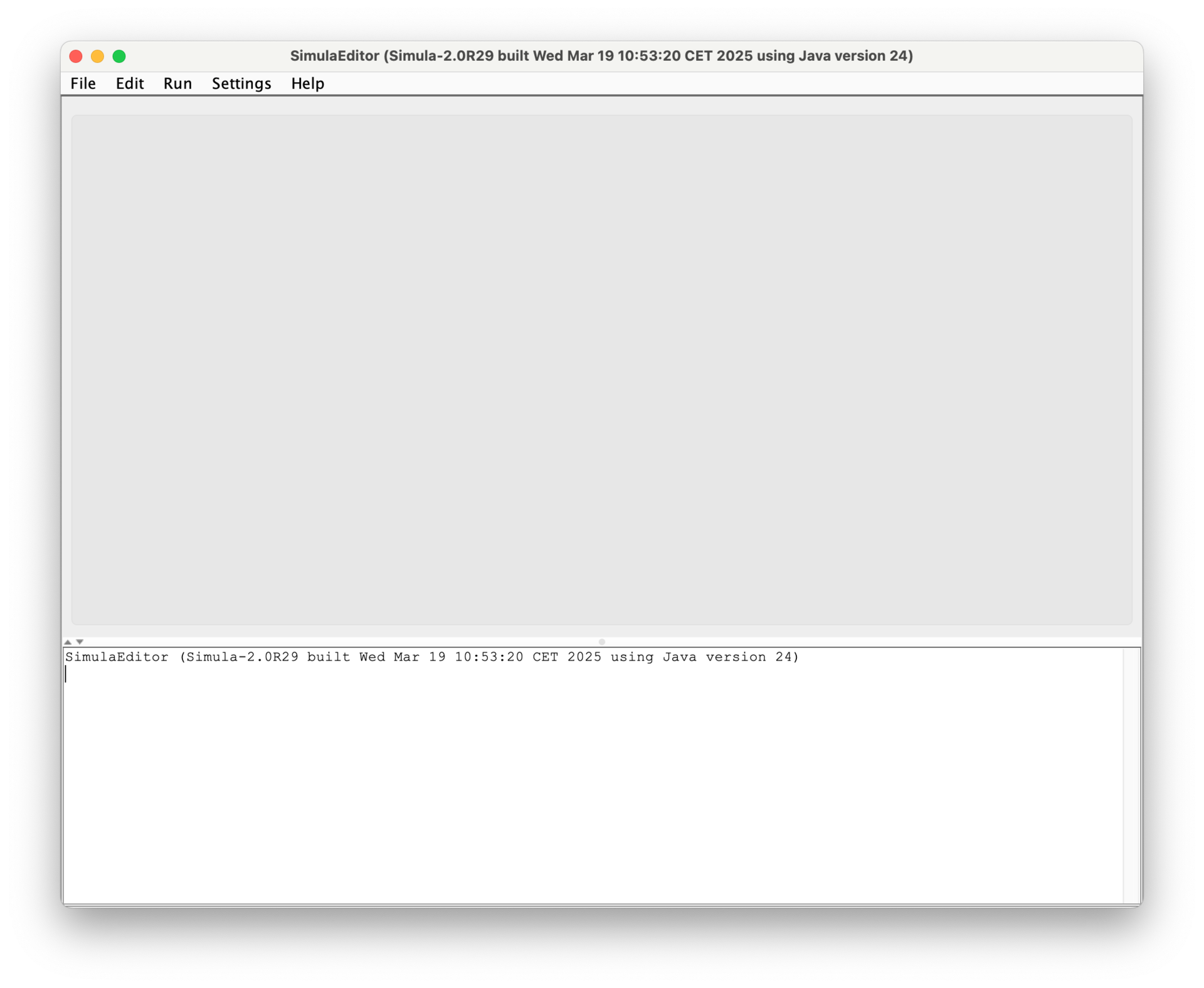
The top menus are:
- File is for opening and saving Simula program files.
- Edit provides a few editing commands.
- Run starts the Simula compiler, and, if no errors were detected, runs the program.
- Settings makes it possible to set and modify various options.
- Help gives access to the original information page in GitHub.